Extract, edit, and study chords with precision
Chorda combines real-time chord recognition from YouTube with a chord sheet editor, interactive player, and AI-powered study tools to boost your musical progress.

Everything you need to study music
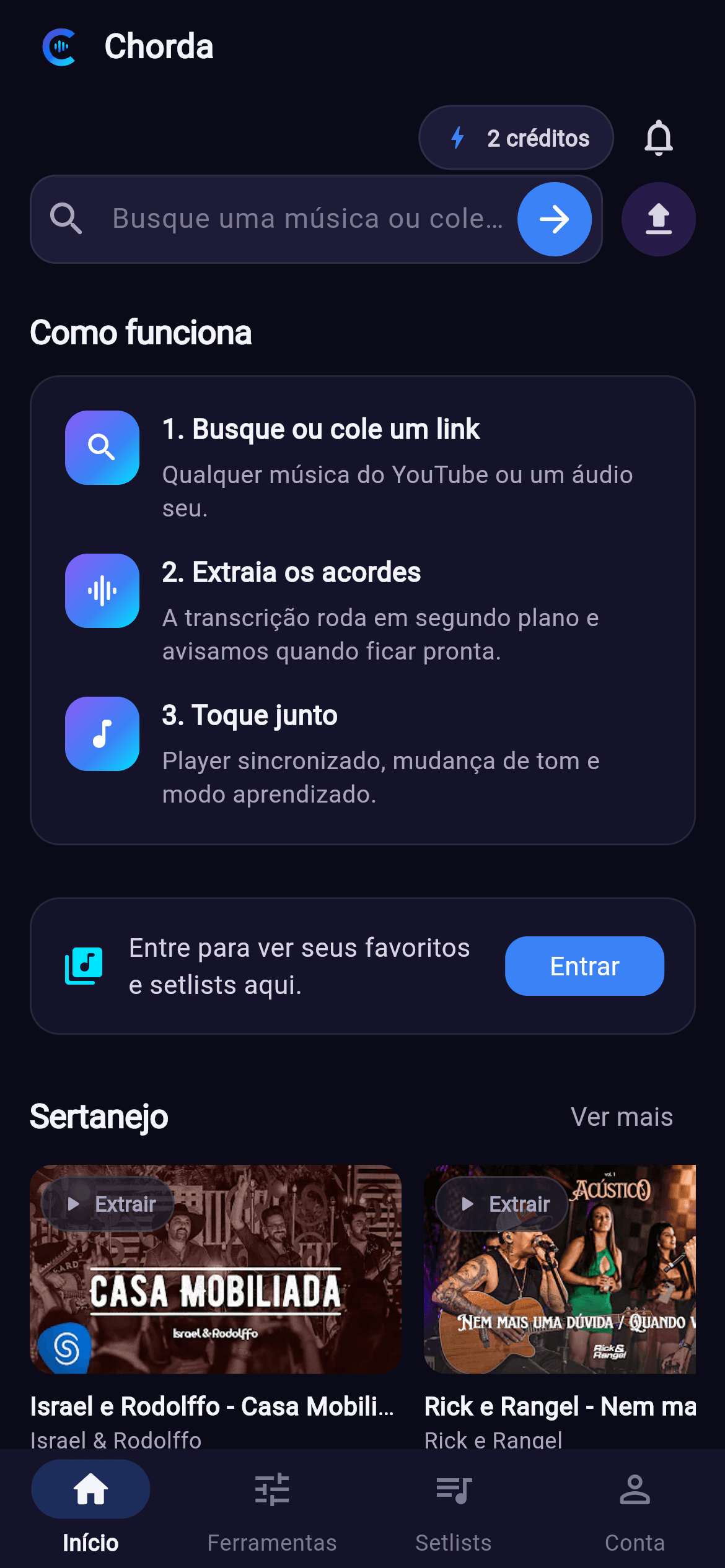
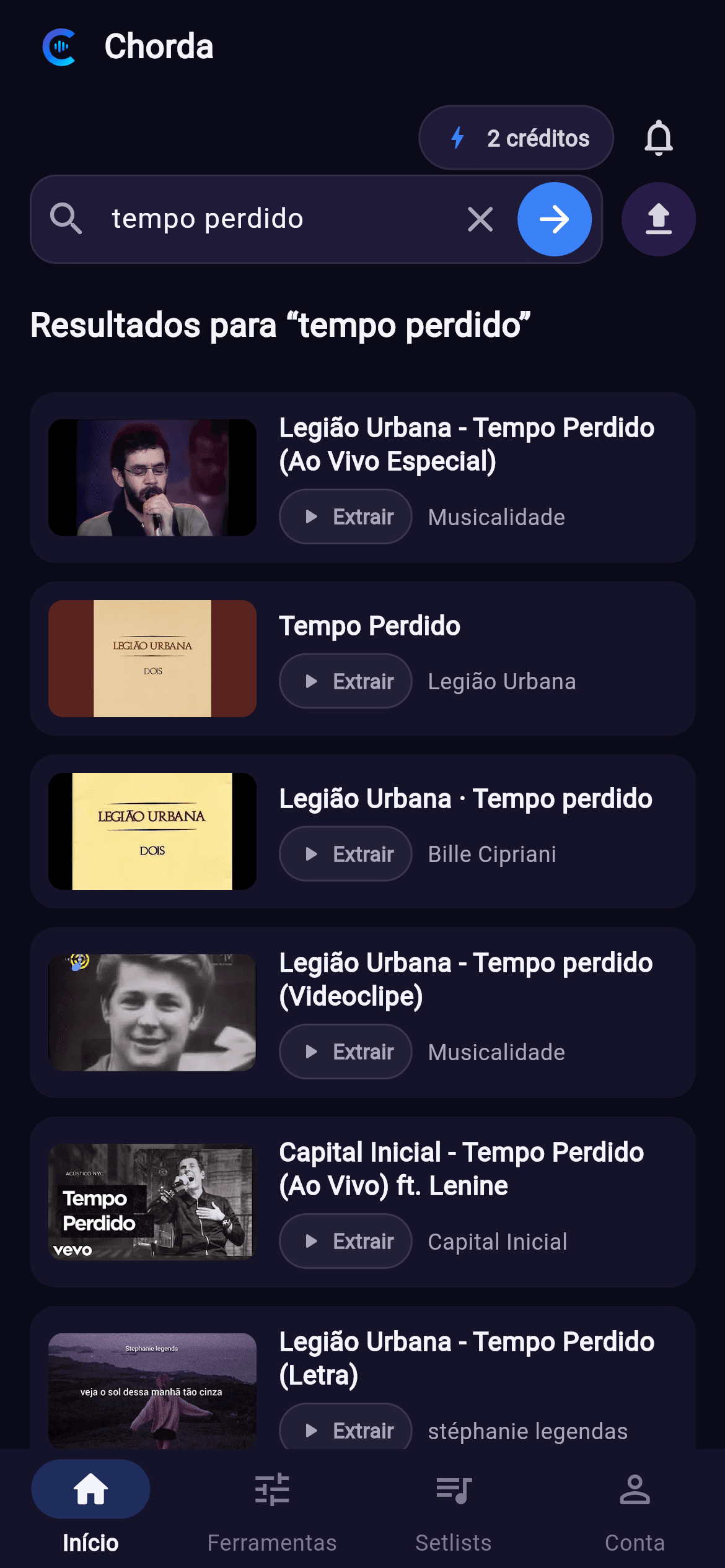
Search and transcription
Search YouTube or upload your own audio, and watch the extraction run in the background.
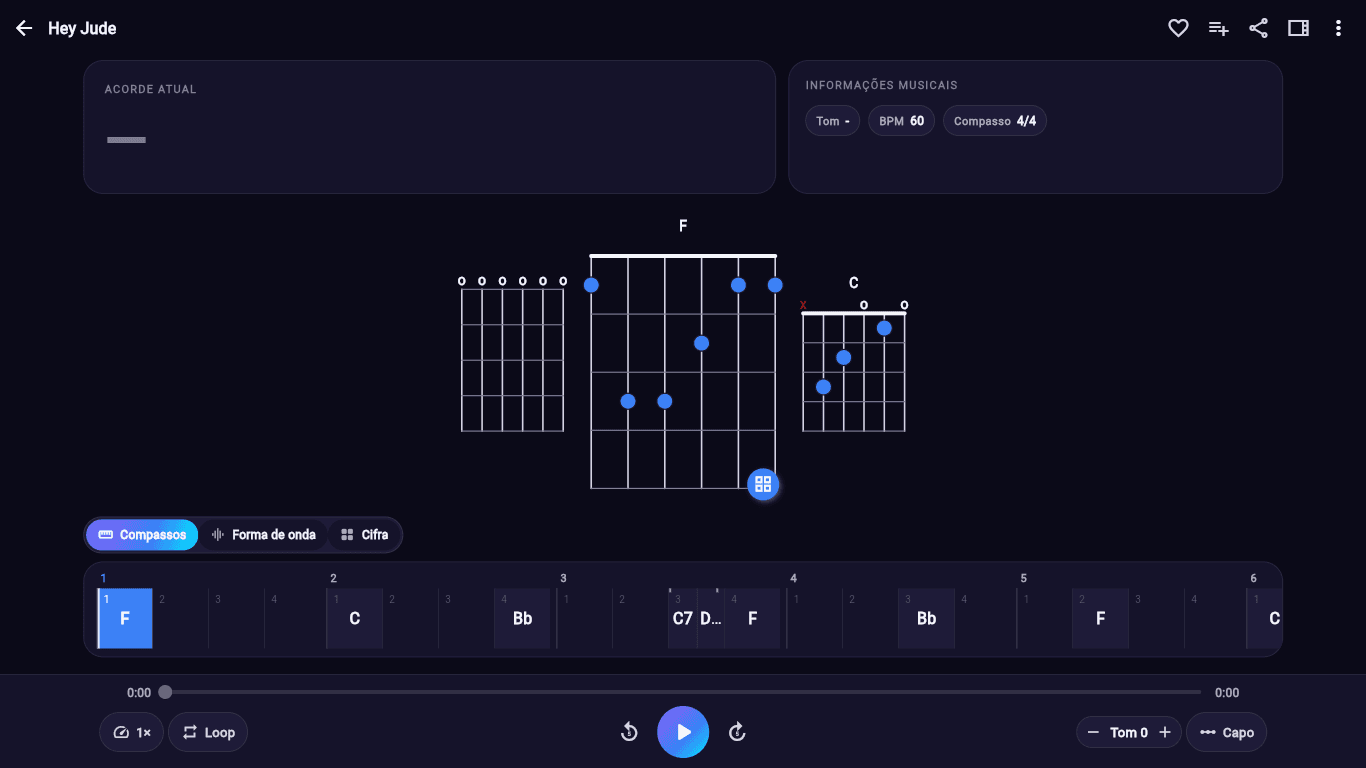
Player with synced chords
Follow the song with chords in time, a bar-by-bar timeline, versions, simplification and key change.
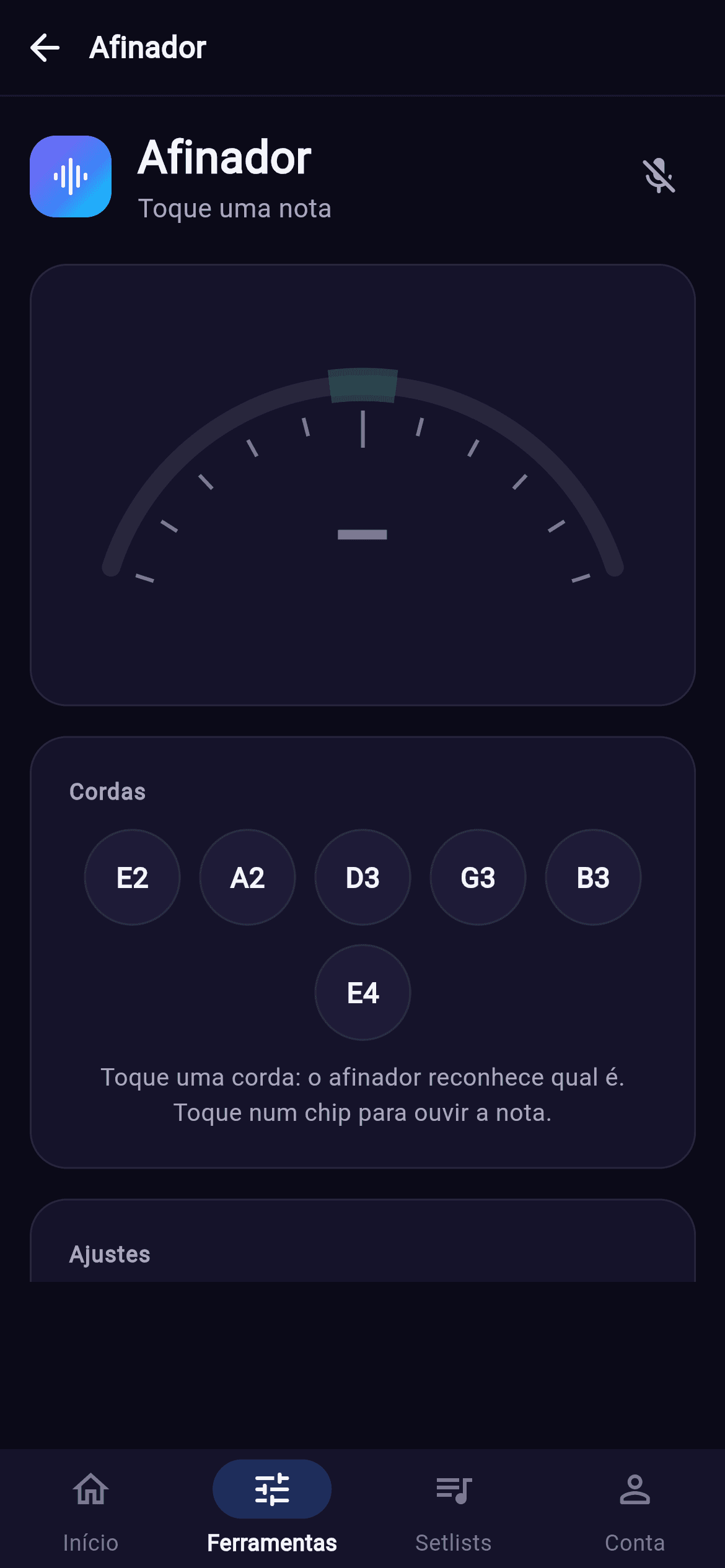
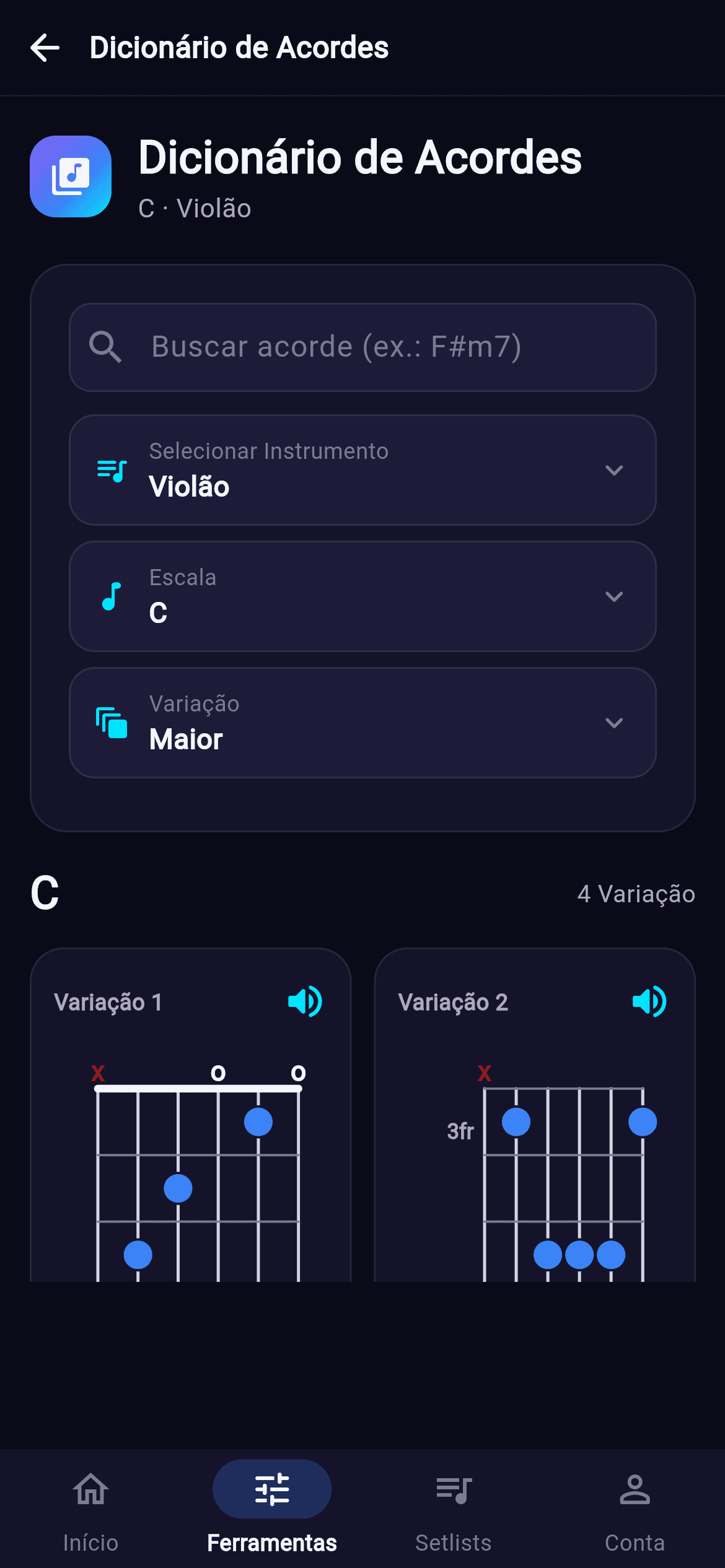
Tuner, metronome and dictionary
Built-in tools for tuning, pulse, time signature, accents and chord lookup by instrument.
AI review and harmonic analysis
Suggested key and chords, review on demand, and each chord's function in the key with the timestamp of every change.
Chart editing
Fix chords, adjust bars, edit version details and save your own reading of the song.
Chord chart and sheet music PDF
On eligible plans, download the chord chart or treble-clef chord sheet music as PDF or PNG, using the selected version, key and capo.
Setlists and sharing
Create setlists, organize songs, reorder repertoire and share public lists by link.
Favorites
Save important songs and return to your repertoire on any device with your account.
Learning mode and daily practice
Pick up songs where you left off, review sections at the right time, and track goals, streaks, and skills.
Tools for end-to-end practice
Chorda combines transcription, repertoire organization, and daily practice. Paid or rolling-out features appear in the app according to platform, plan, and availability.
- Setlists, favorites, and credit history
- Player, editor, AI, tuner, metronome, and dictionary
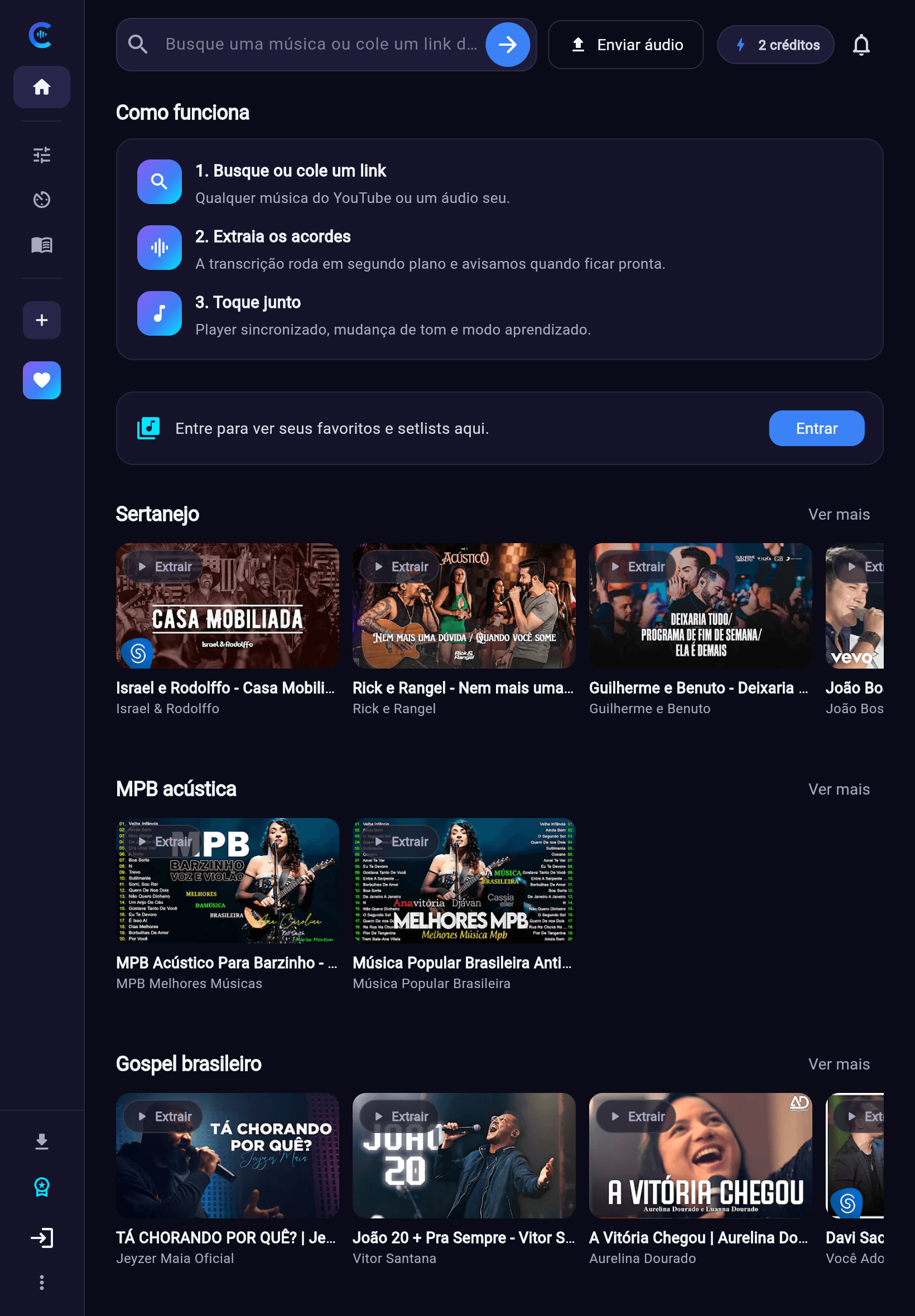
Desktop and mobile
This page now uses real screenshots from the desktop and mobile versions. Some features vary by platform and plan.
From audio to practice without switching context
Search or upload the song, follow chords in the player, refine the chart, save it to setlists, and return to your repertoire whenever you want.
- Complete flow for learning songs
- Personal library with favorites and setlists
- Chord chart PDF and AI features according to plan
Frequently asked questions
Free to try, yes. You get a synced preview of any already-transcribed song, with the first seconds of the chart following the audio. To open the whole song, spend 1 credit — and it stays yours for good. Subscribers open any song without spending credits.
Ready to play more and better?
Install Chorda for Android and experience the mix of AI and convenience.